The Engine That Writes While You Sleep.
Consistency is the #1 factor in SEO ranking, but writing technical articles 3 times a week is exhausting. GeekBot Autopilot is a headless PHP agent that lives on your server. It wakes up on schedule, researches your topics, writes full HTML-formatted articles, and publishes them instantly.
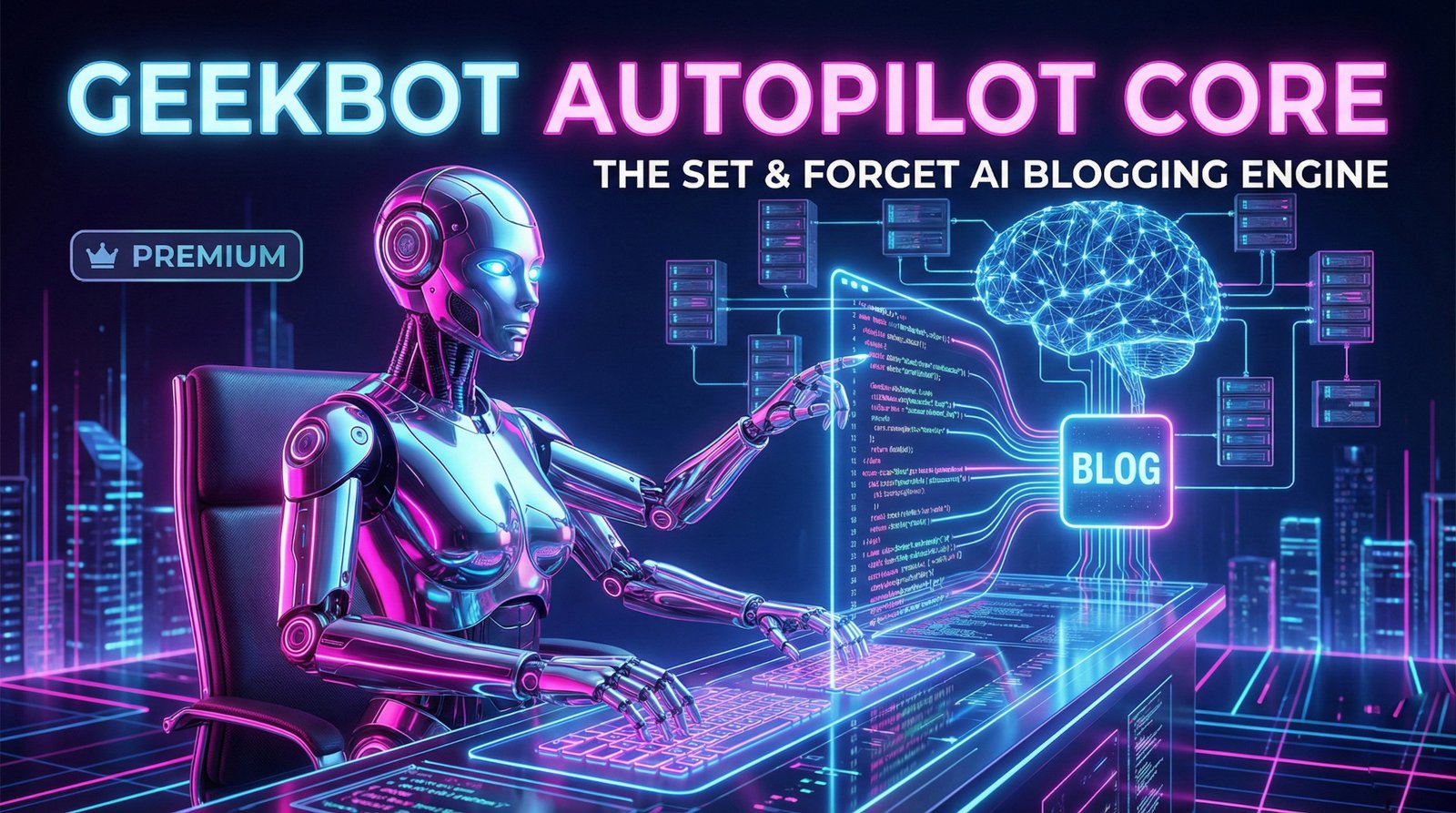
Under The Hood
GeekBot isn't just a generic writer. It acts as a complete Content Management System (CMS) backend.
1. The Fuel
You provide a simple text file (`topics.txt`) containing a list of article ideas—one per line. This is your content calendar. You can load it with 50, 100, or 500 topics at once.
2. The Trigger
GeekBot uses a Cron Job (a server scheduler) to execute the script. You decide the frequency: every Monday at 9 AM? Every day at midnight? The script executes silently in the background.
3. The Brain (GPT-4)
The engine picks the top topic from your list and sends a complex prompt to OpenAI. It instructs the AI to write a comprehensive article formatted in **pure HTML** (h1, h2, p tags), ensuring it is ready for web display immediately.
4. The Database
GeekBot uses a Flat-File JSON database. This means no MySQL setup required. It appends the new article to `blog_data.json` and instantly updates your website's frontend.
Integration is Effortless.
We built GeekBot to be "Drop-in Ready." You do not need to rewrite your website or migrate to WordPress. It works with any PHP website.
-
Step 1: Upload Files
Upload the `geekbot` folder to your server via File Manager or FTP. -
Step 2: Add API Key
Open `geekbot_engine.php` and paste your OpenAI Secret Key. -
Step 3: Display Posts
Paste the code snippet on the right wherever you want your blog to appear.
<!-- Just paste this where you want the blog -->

<?php
  // Include the GeekBot frontend
  include 'geekbot/display_blog.php';
?>
Yes, it is literally one line of code.
Why Buy GeekBot?
Is this better than ChatGPT?
ChatGPT requires you to log in, prompt it, copy the text, format it, and paste it into your site manually every time. GeekBot does all of that automatically while you are doing other things.
What are the ongoing costs?
You pay us once ($59). After that, you pay OpenAI directly for the API usage. For reference, a 1,000-word article using GPT-4o costs about $0.03 to generate. It is incredibly cheap.
Can I edit the articles?
Yes! Since the database is a simple JSON file, we include a lightweight Editor Dashboard where you can delete or tweak posts if needed.